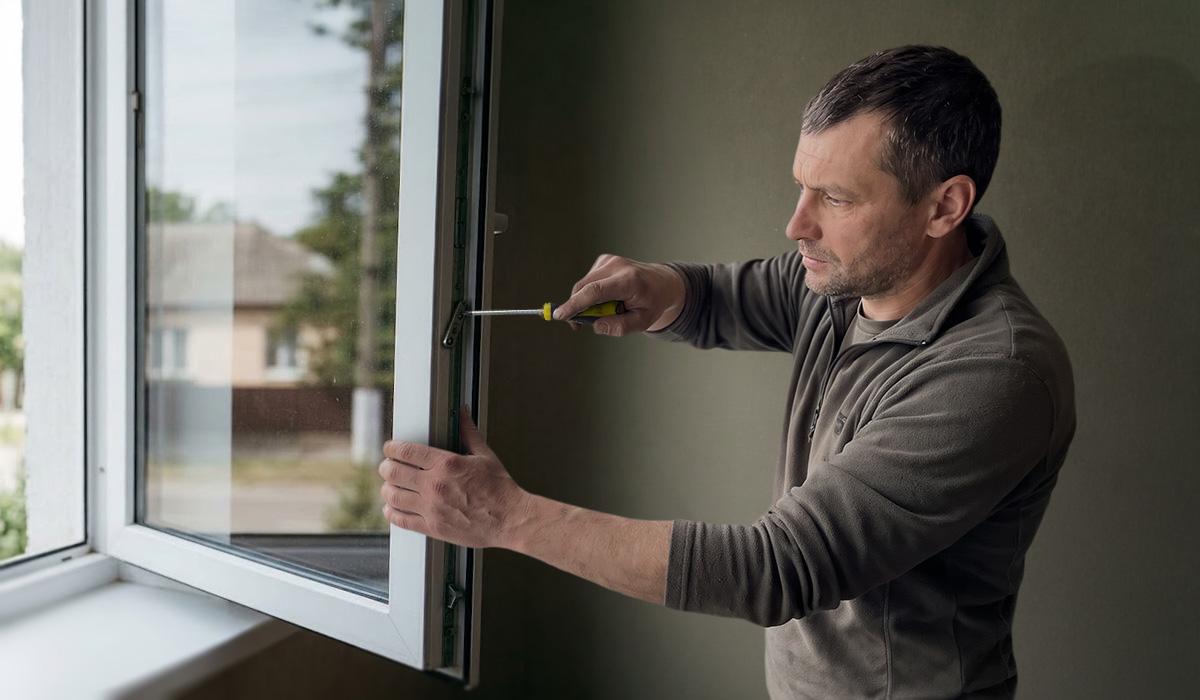


Marina Ros reported that setting up a dedicated home study corner requires three essential components: a motorized desk for height adjustment, an ergonomic chair for proper posture, and a dedicated light source.
According to Ros, doing homework at the living room table often leads to distraction within 20 minutes as textbooks share space with food crumbs while children slouch over their work.
To replace shared living room tables, a functional study station relies on selecting where the student rests their arms, how their back is supported, and how light hits the page at the end of the day.
ErGear Motorized Standing Desk Specifications
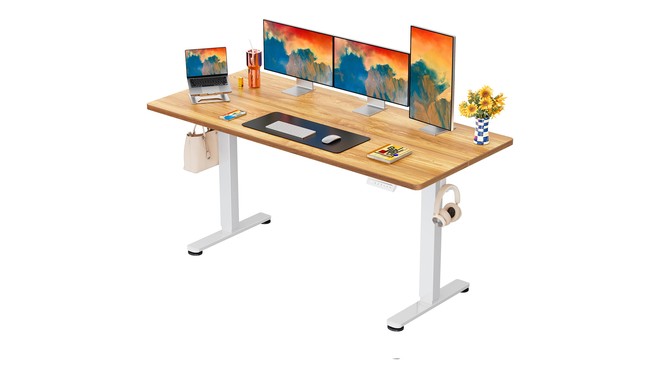
The ErGear adjustable desk features a 160-by-80-centimeter tabletop that provides space for open notebooks, textbooks, and pencil cases. Its electric motor adjusts the surface height from 72 to 118 centimeters and includes four memory presets.
Ros noted that the steel frame supports up to 80 kilograms and operates quietly to avoid disturbing family members in adjacent rooms. The height range accommodates children from eight years old up to age 16, allowing students to work while standing if desired.
The desk comes with clearly labeled screws and assembly tools for setup. ErGear also offers smaller tabletop options measuring 100 by 60 centimeters, 120 by 60 centimeters, and 140 by 70 centimeters for compact bedrooms. The desk is currently discounted during back-to-school sales on Amazon.
EveryKip Ergonomic Desk Chair Features
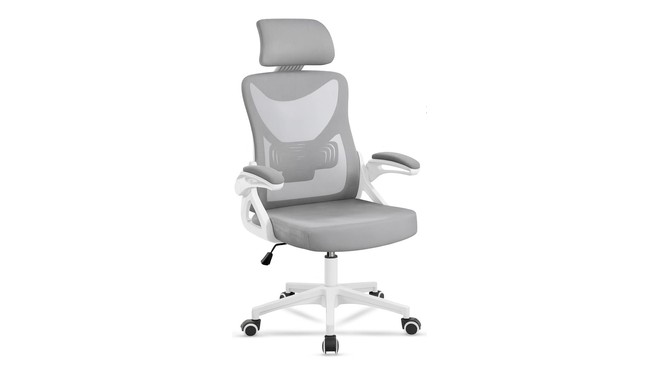
The EveryKip desk chair features a firm, non-reclining backrest designed to keep children sitting upright during study sessions rather than leaning back. It includes a height-adjustable headrest and anti-scratch wheels that protect parquet flooring when moving.
Ros described the EveryKip model as the lightest and most manageable component of the setup, making it easy to slide out of the way for floor cleaning. Assembly is quick with included parts.
The report noted that the headrest can feel slightly loose and that seat padding is minimal. Ros suggested adding a seat cushion for older students who study for multiple consecutive hours.
SLATOR LED Desk Lamp Settings
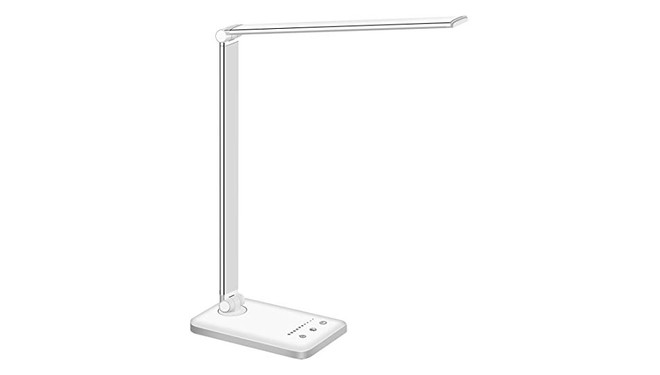
The SLATOR LED desk lamp contains 52 flicker-free LEDs with 10 brightness levels and five color temperature modes ranging from cool white for daytime work to warmer tones for the evening. Its arm bends 180 degrees and the base swivels to direct light without casting hand shadows across the notebook.
A built-in timer can be set for 30 or 60 minutes to structure study sessions into short intervals. The lamp features touch controls that save the last used setting.
Power is supplied via a micro-USB cable, though no charger or wall adapter is included in the box. Ros added that the touch power button can be difficult to locate in dark conditions until users become familiar with its placement.
Study Corner Assembly and Layout Mistakes
Ros warned against three common setup errors, beginning with improper lamp positioning. Desk lamps must be placed on the opposite side of the child's writing hand, on the left for right-handed writers, to prevent the writing hand from casting shadows on the paper.
Proper desk height must allow elbows to rest at 90 degrees with feet flat on the floor, rather than relying on default factory heights. In addition, desks should not face windows directly to avoid glare and screen backlighting throughout the afternoon.
Room dimensions should be measured to ensure space for the chair to move without hitting beds or wardrobes. Ros recommended leaving clearance behind the desk lamp for arm rotation and building the study corner step by step based on immediate needs.